WORKED EXAMPLE
Compare the source and extracted pages
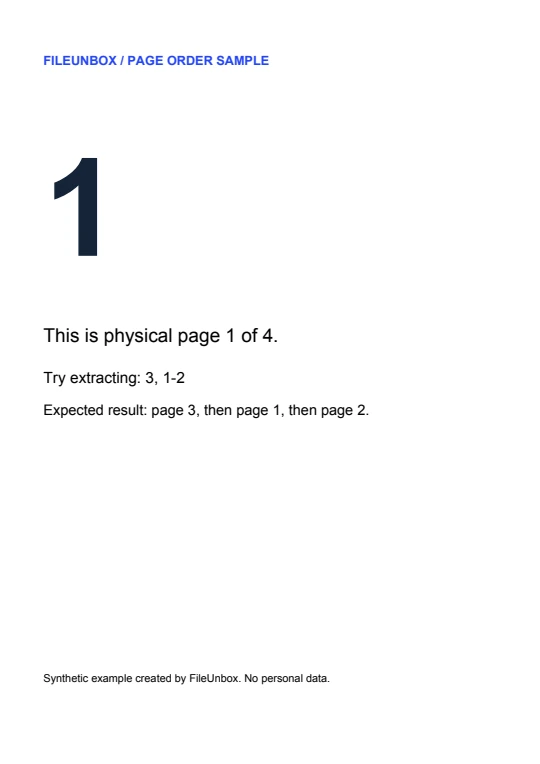 Source p. 1
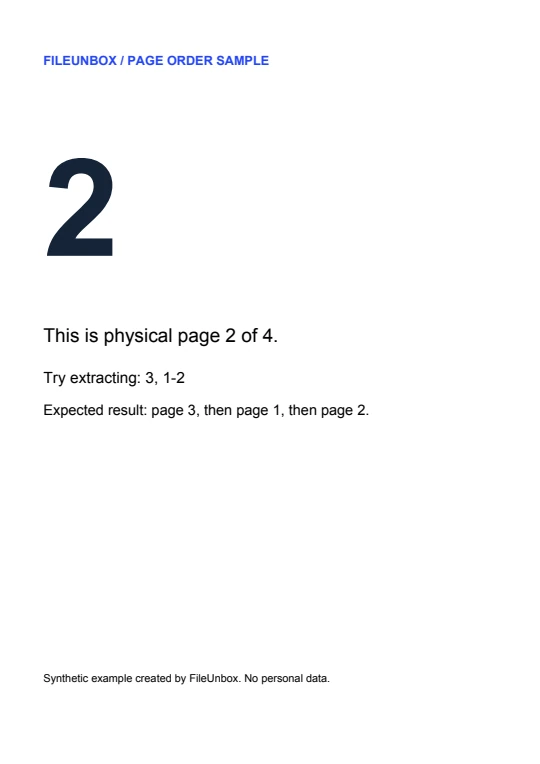 Source p. 2
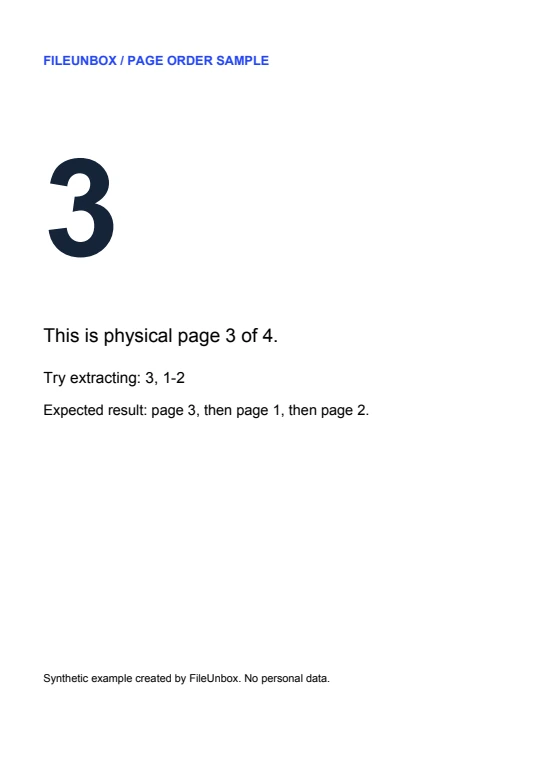 Source p. 3
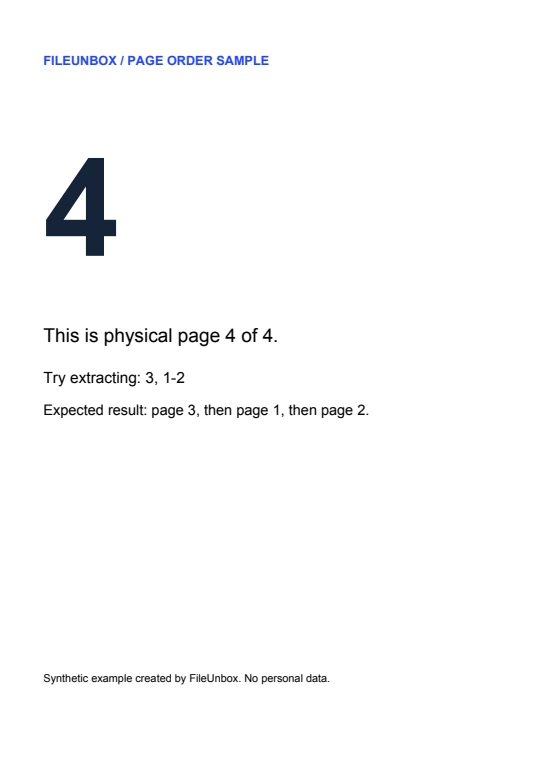 Source p. 4Source p. 3Source p. 1Source p. 2
Compare the previews: page 3 moves to the front, and page 4 is absent from the download. Download the three-page result ↓
Three ways to use the four-page sample
2 → one page
Send only the second page of a report. The recipient gets a one-page PDF.
2-4 → three pages
Drop the cover and keep the remaining section together: pages 2, 3 and 4.
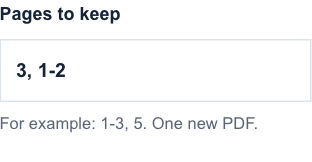
3, 1-2 → reordered
Put the summary first. Output order is 3, 1, 2; the original page 4 is omitted.
From source file to download in three steps
- Open the source in a reader and count from the cover as page 1. Add that same PDF here.
- Enter individual pages or ascending ranges separated by commas. Try 3, 1-2 with the four-page sample.
- Process and download one PDF. With that sample range the first output page is page 3 of the original.
Common questions
Can I download each page as a separate file?
One run produces one PDF. To get two separate files, run each page or range separately and download each result.
What if the printed page number is different?
Use the physical position in the file. If a cover and contents page come first, printed page 1 may be position 3.
Continue working with your file
Files are processed locally. Download and check the result before closing this page. File privacy
Extract selected pages from a PDF ↑