WORKED EXAMPLE
Two photos in three PDF layouts
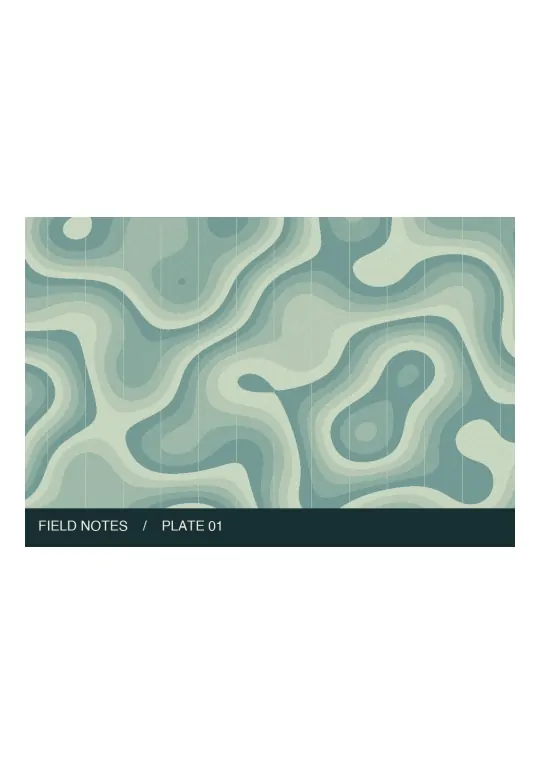
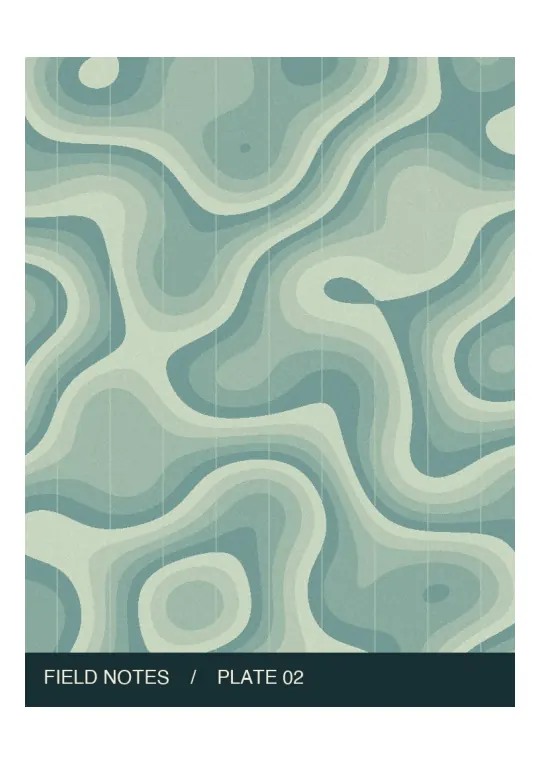
Both sheets are the same size. The landscape plate leaves space above and below.
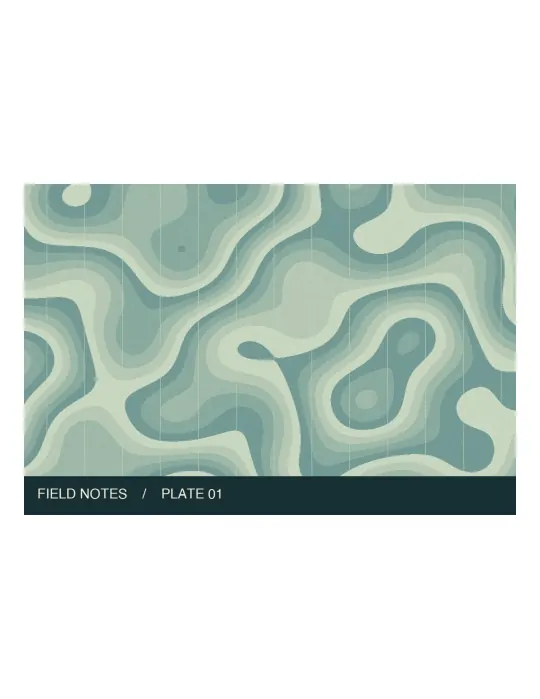
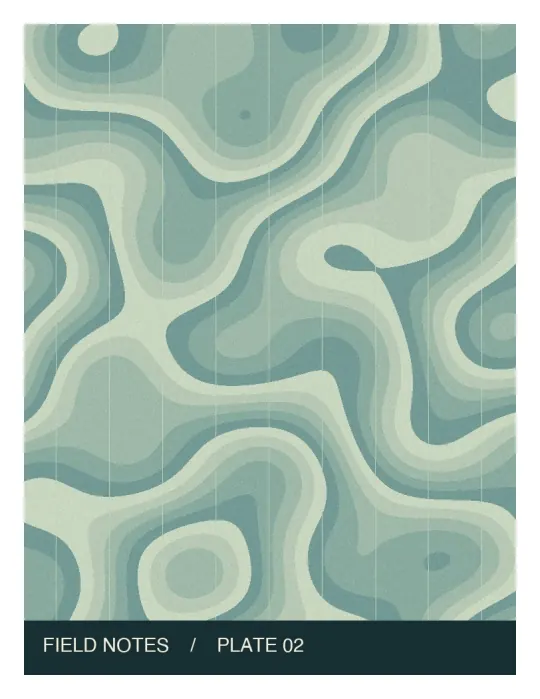
The sheets are shorter and wider than A4, changing the space around each image.
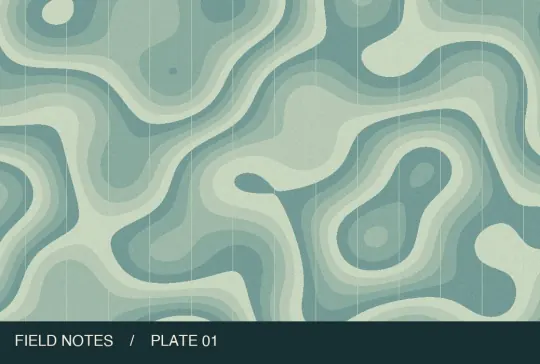
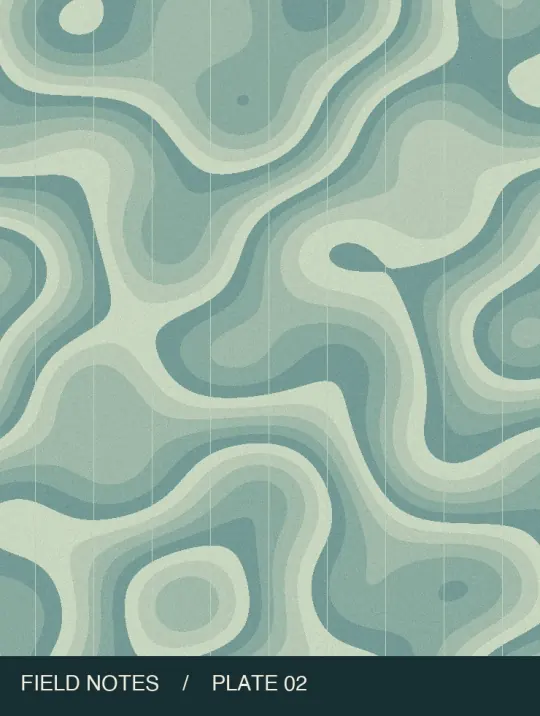
Each page follows its photo: a landscape first page and a portrait second page.
Choose a layout before you export
Print a packet · A4
Each image fits on an A4 sheet with margins. A landscape photo on a portrait sheet leaves extra space rather than stretching.
Print on US Letter
Choose Letter when the recipient prints on 8.5 × 11 inch paper. Check the print preview before making copies.
View on screen · image size
Keep each photo’s proportions. Landscape and portrait shots can produce different page sizes in the same PDF.
From source file to download in three steps
- Add the photos in reading order. The sample contains one landscape plate and one portrait plate.
- Use the arrows beside a filename to move it. Select A4, Letter or the option that matches the image dimensions.
- Process the files together. Open the downloaded PDF and compare the first and last pages with your list.
Common questions
Will photographed text be searchable?
These are image pages, without an OCR text layer. For editable text from a printed page, use the separate image-to-text tool; that AI tool requires an invitation.
How many photos can I add at once?
Up to 20 on desktop or 5 on mobile, up to 10 MB per image and 50 MB per batch. For a larger set, make batches and merge the PDFs.
Continue working with your file
Files are processed locally. Download and check the result before closing this page. File privacy
Convert JPG to PDF ↑