WORKED EXAMPLE
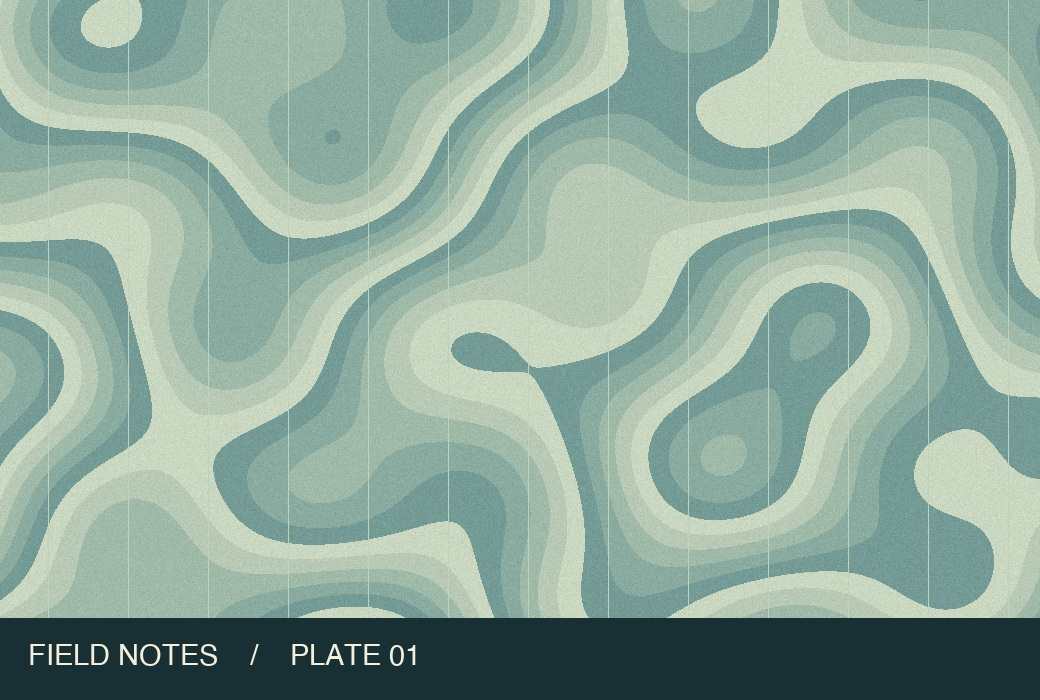
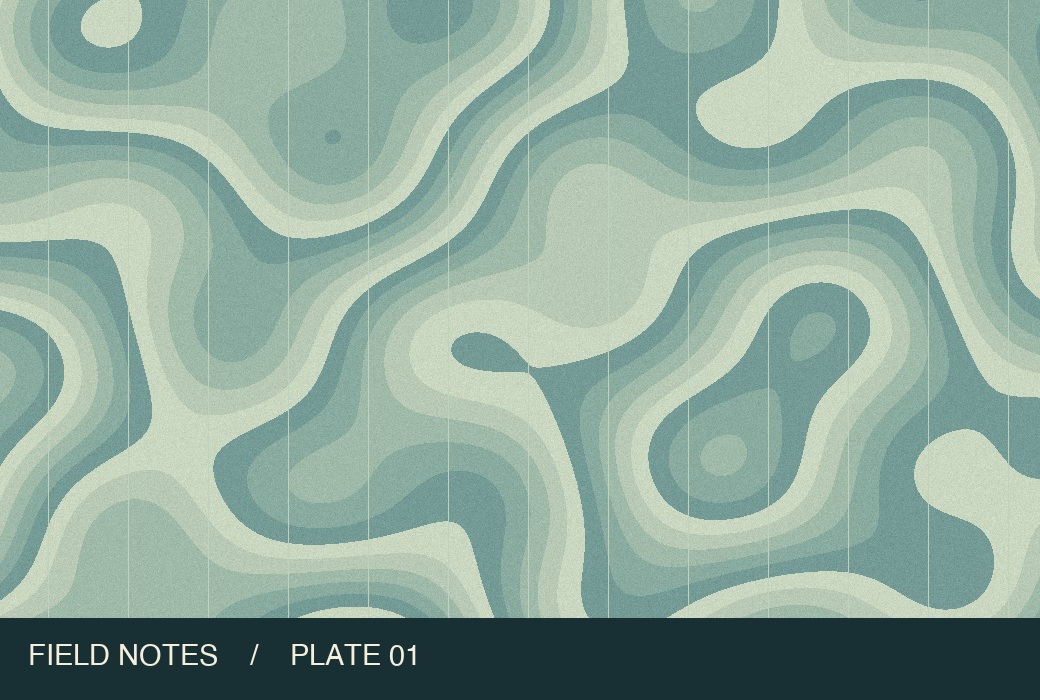
One map, before and after compression
Match the file to the form
The form says “up to 50 KB”
The default allows 51,200 bytes. Our sample fits at 51,182 bytes. Check whether the receiving site also accepts that definition.
The form rejects a file shown as 50 KB
Rounded labels can hide the difference. The strict option reduced our sample from 51,182 to 49,245 bytes in Chromium. Check the byte count of your own result.
The source already fits
If the source format, dimensions and byte count already satisfy the rules, upload the original to retain its detail.
From source file to download in three steps
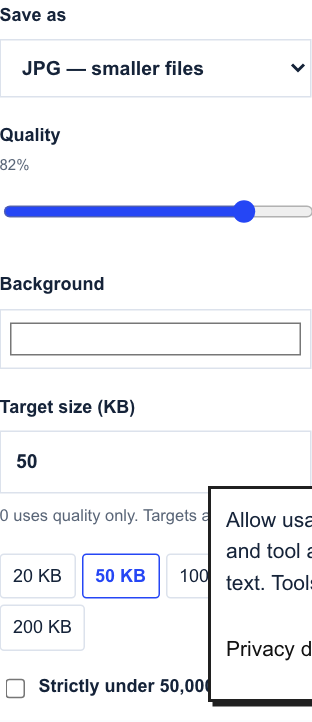
- Choose your photo and the format the site accepts. JPG is preselected; WebP is available when supported by the receiving site.
- For an explicit 50,000-byte limit, select the strict option. Process the image and read the exact byte count below the filename.
- Download the processed copy and submit that file. Keep the original in case the form also requires a different aspect ratio.
Common questions
Does hitting the byte limit change my photo dimensions?
Compression adjusts encoding quality while keeping the original pixel dimensions. Use the resizer separately when a form has pixel limits.
Can I keep a transparent background?
Select WebP if your form accepts it. For a required JPG, choose a solid background and inspect light edges after downloading.
Continue working with your file
Files are processed locally. Download and check the result before closing this page. File privacy
Compress an image to 50 KB ↑