WORKED EXAMPLE
One map, before and after compression
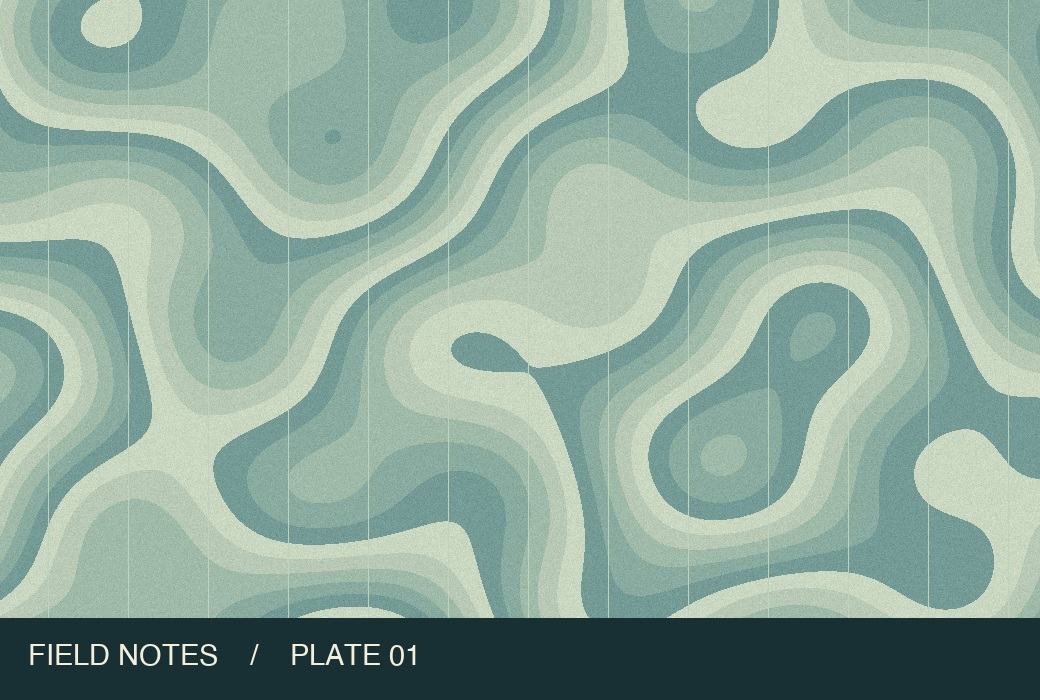
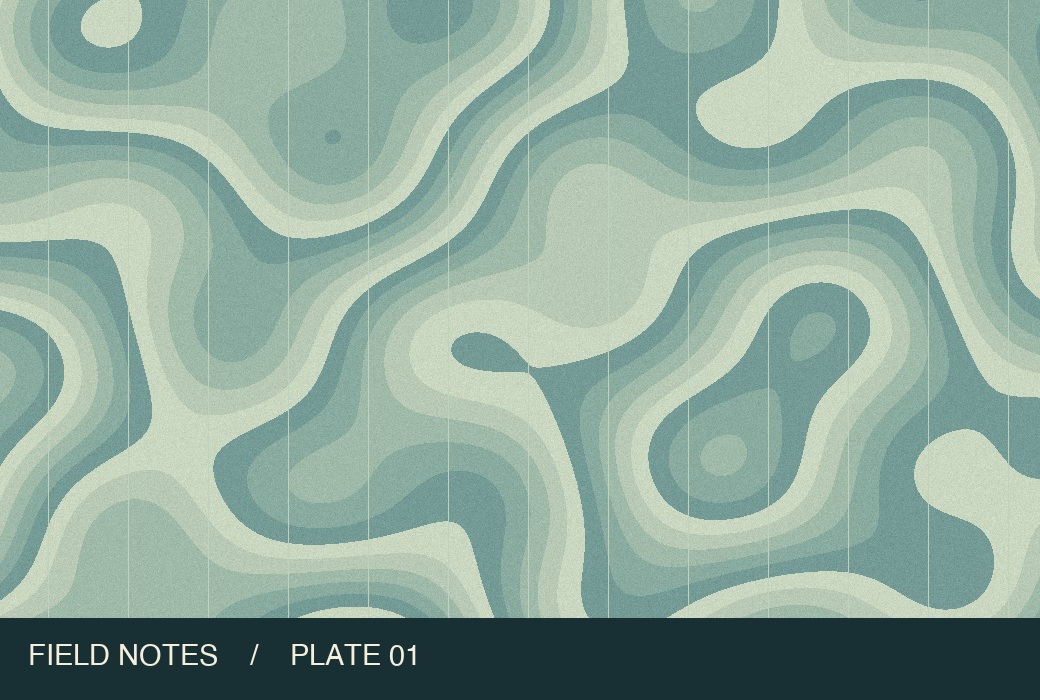
Original · 261,974 BOutput · 96,329 B
Which upload limit do you have?
100 KB maximum
A 75 KB photo already fits a 100 KB maximum. You do not need to enlarge it to exactly 100.
Under 100,000 bytes
This tool uses 1,024 bytes per KB. A 97 KB target is 99,328 bytes; verify the saved file because the encoder may miss the target.
Also needs 600 × 800 pixels
Compression keeps the pixel dimensions. Crop to the required aspect ratio first, then resize and compress.
From source file to download in three steps
- Add your image or try the landscape map. Keep JPG selected if the form asks for a photo in JPEG format.
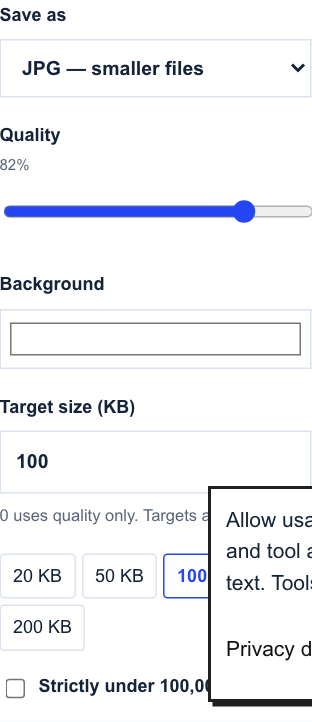
- Leave the target at 100 KB, or enter 97 for a strict 100,000-byte ceiling. Process the file and check the result size.
- Open the download at full size. If fine print is hard to read, keep the original and try a tighter crop in your editor before compressing again.
Common questions
Why is my download still over 100 KB?
Fine texture and large dimensions can exceed the target even at low quality. Reduce dimensions and run the smaller copy through the compressor.
Will a transparent PNG keep its background?
JPEG fills transparent areas with the background color you select. Use WebP if transparency matters and your form accepts it.
Continue working with your file
Files are processed locally. Download and check the result before closing this page. File privacy
Compress an image to 100 KB ↑