WORKED EXAMPLE
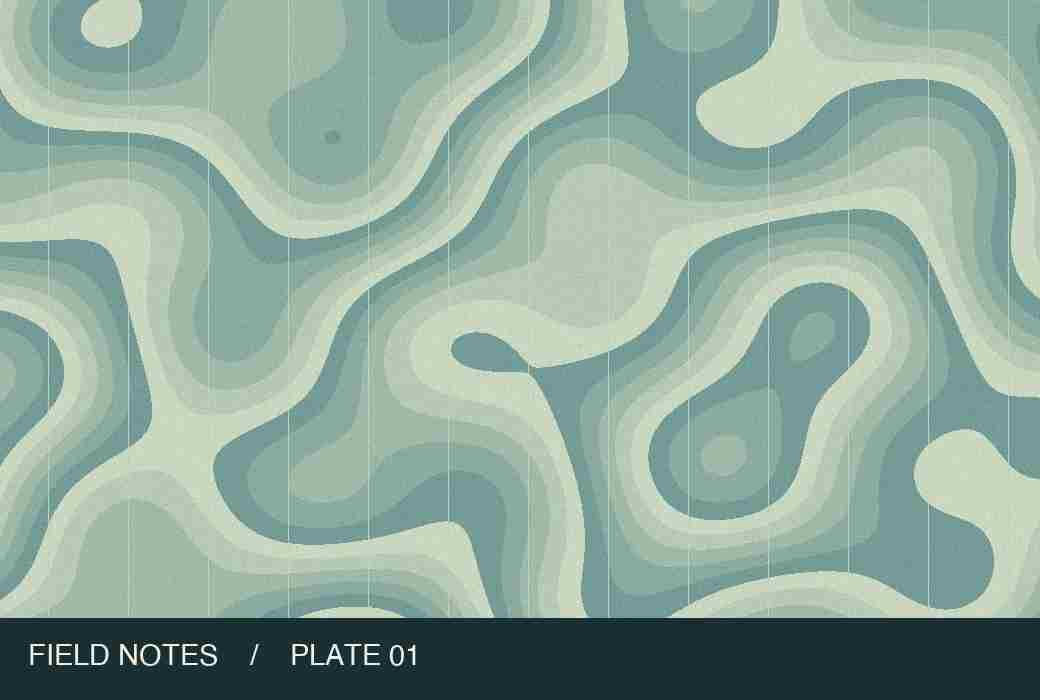
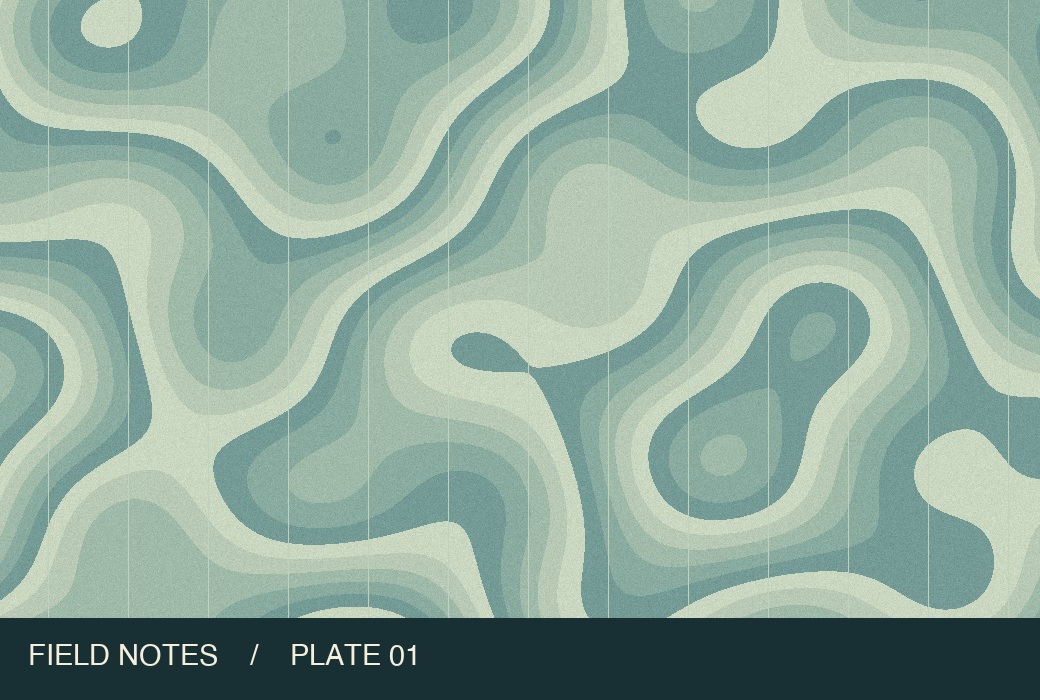
One map, before and after compression
What to check at 20 KB
Portrait photos
Crop unnecessary background in your editor first. Faces occupy more of the final image, which matters when very few bytes are available.
Small print
Inspect the smallest readable letters at full size. If they blur together, crop to the relevant area from the original and try again.
Required dimensions
The compressor preserves pixel dimensions. If a form specifies a maximum width, resize the source first and compress the resized copy.
From source file to download in three steps
- Add the original photo. Choose JPG for a form that specifically asks for JPEG.
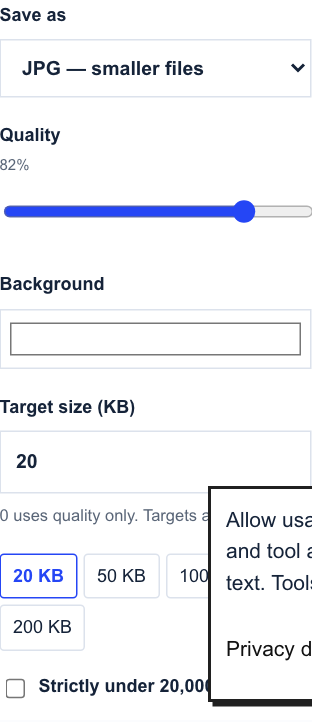
- Read the form’s size rule. Keep 20 KB for a 20,480-byte ceiling, or tick the strict option for a file below 20,000 bytes.
- Process and download. Zoom in on eyes, lettering or outlines before you submit the photo.
Common questions
Why can a 20 KB JPG exceed 20,000 bytes?
The default allows 20,480 bytes. Our sample downloaded at 20,086 bytes. Selecting the strict limit brought it to 19,526 bytes in Chromium. Check your own result against the form’s rule.
What if the tool cannot reach 20 KB?
Even the lowest JPEG quality may be too large at the current resolution. Try fewer pixels and verify the new file again.
Continue working with your file
Files are processed locally. Download and check the result before closing this page. File privacy
Compress a JPG or photo to 20 KB ↑